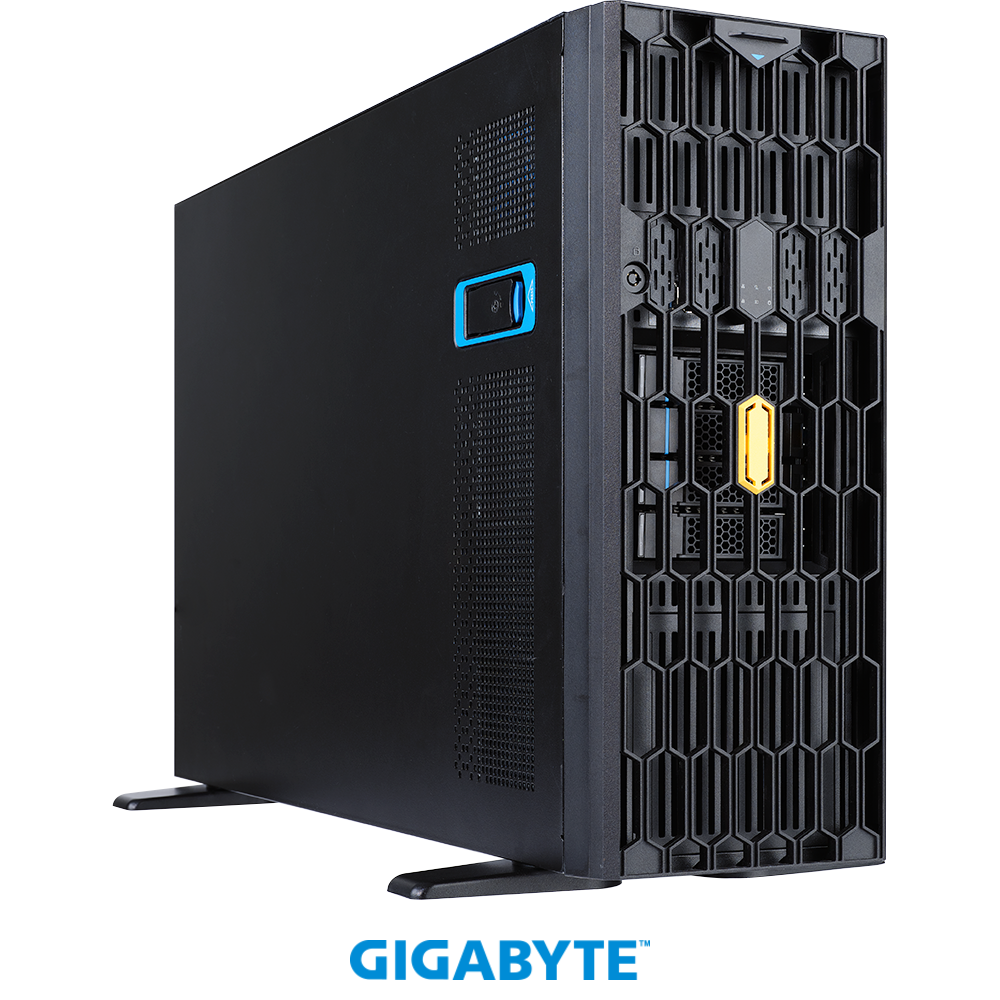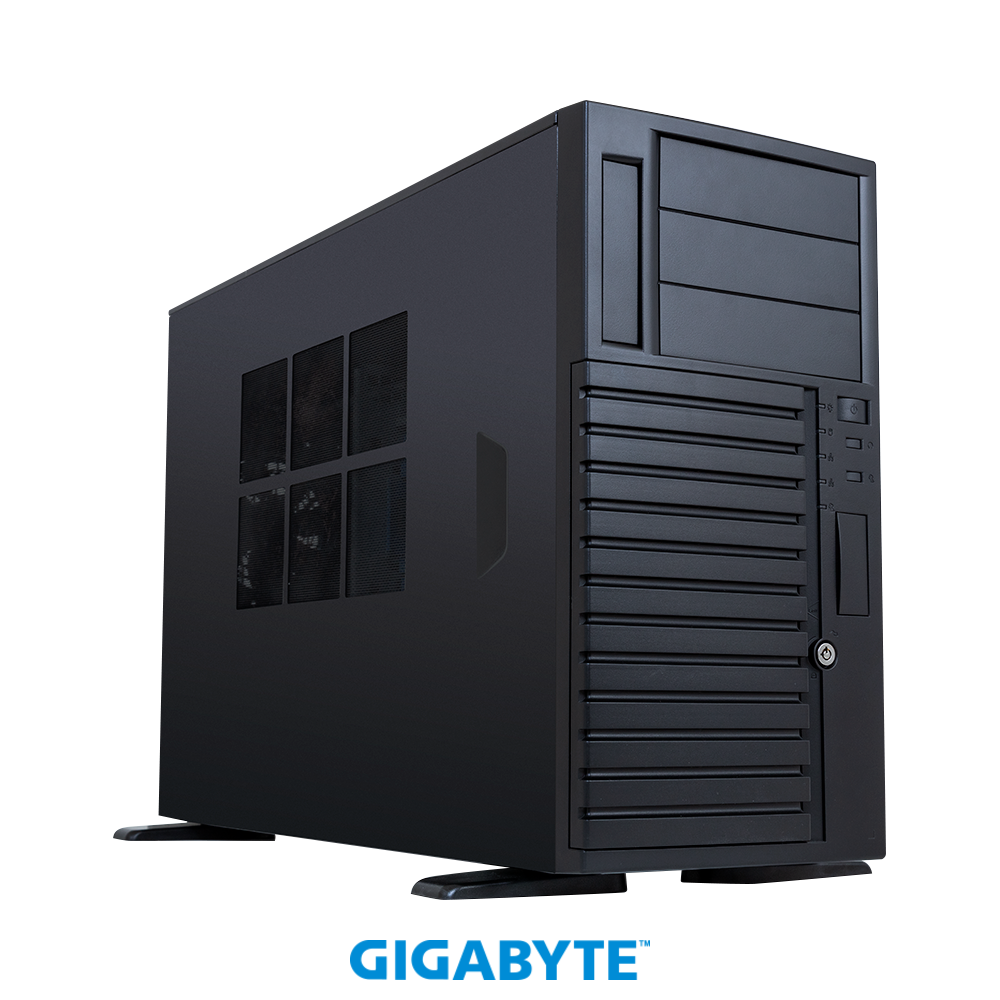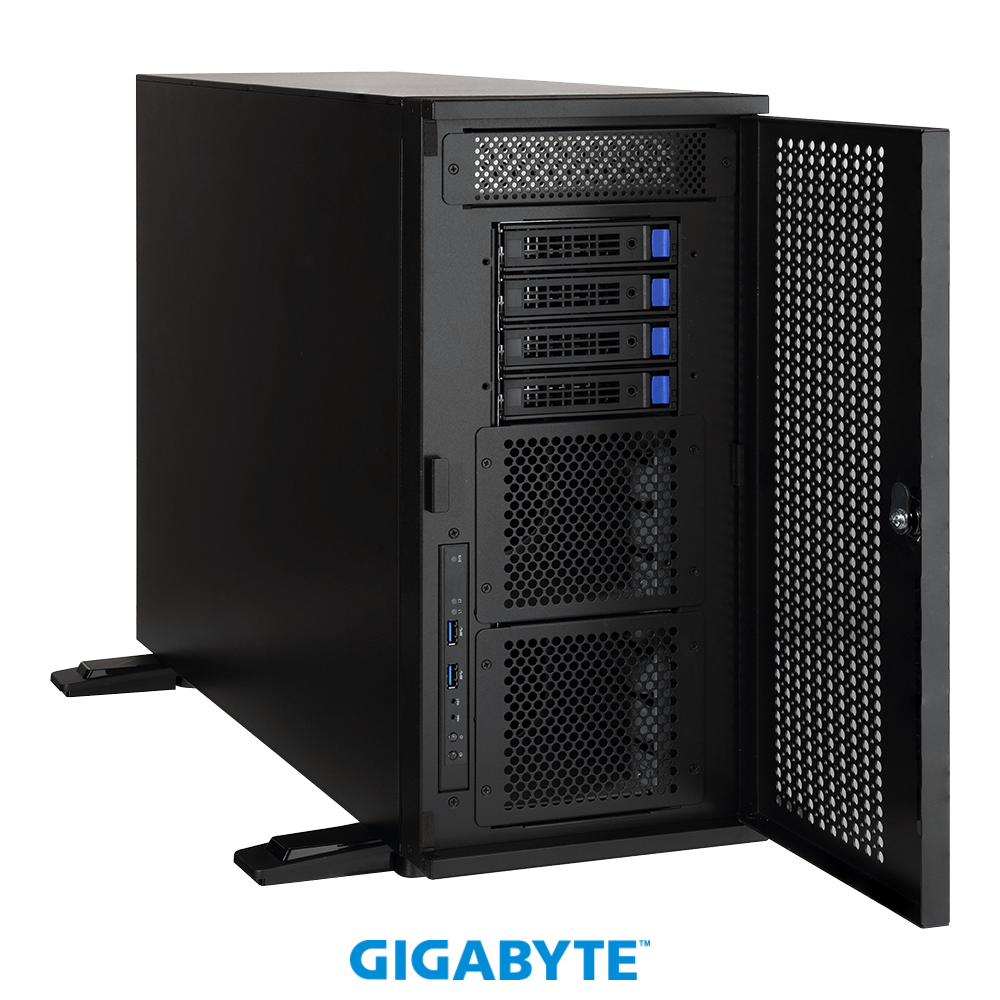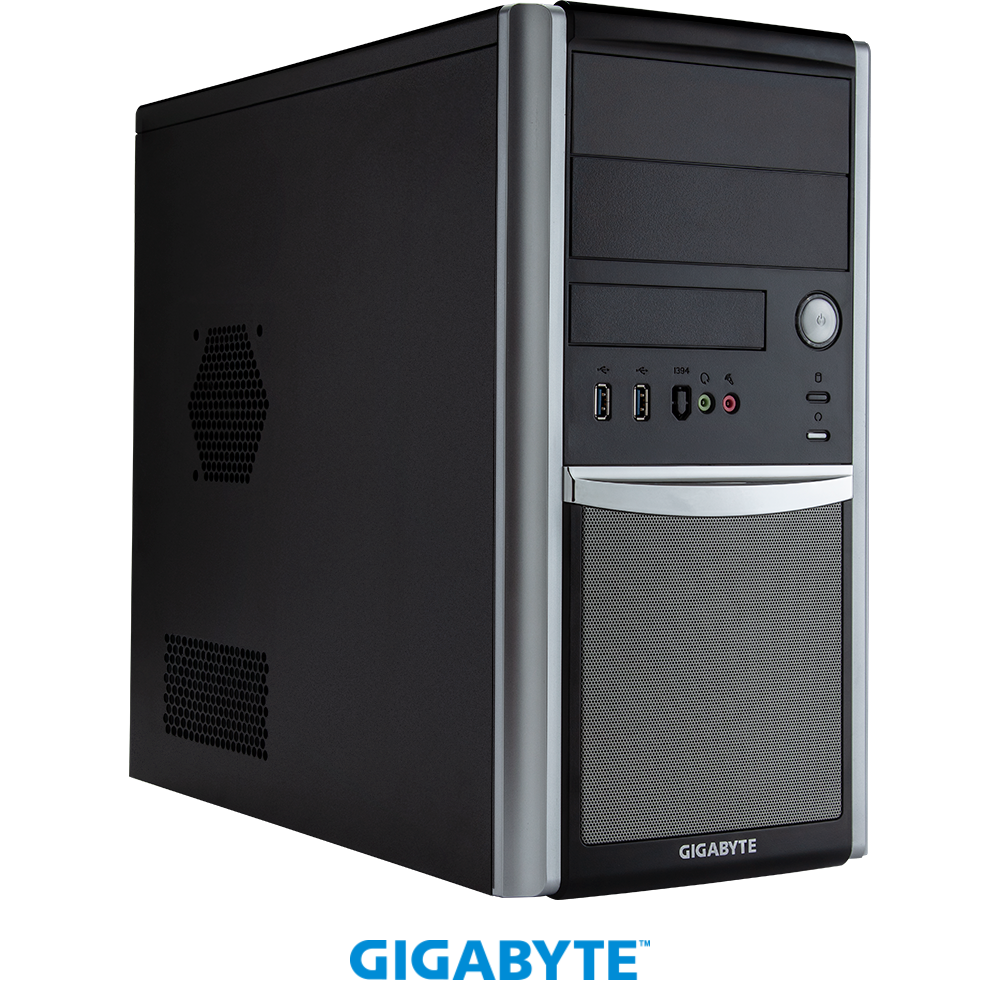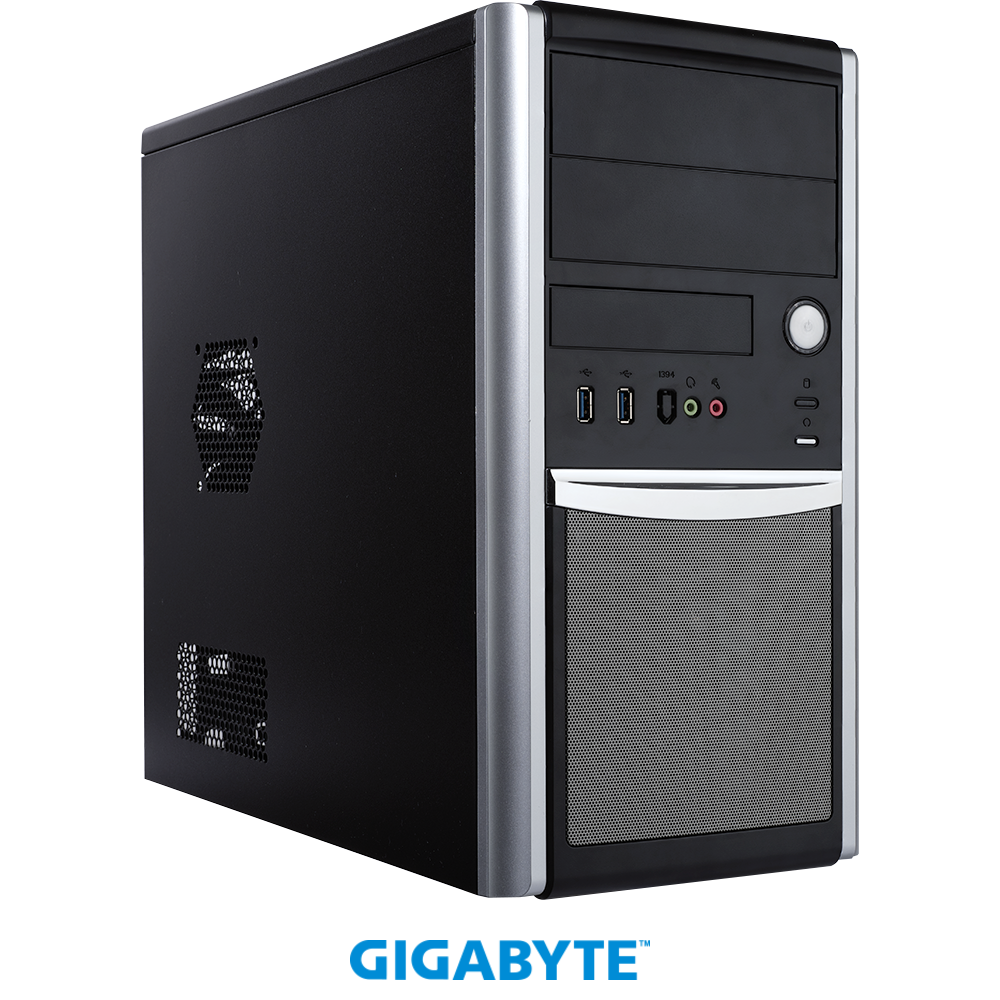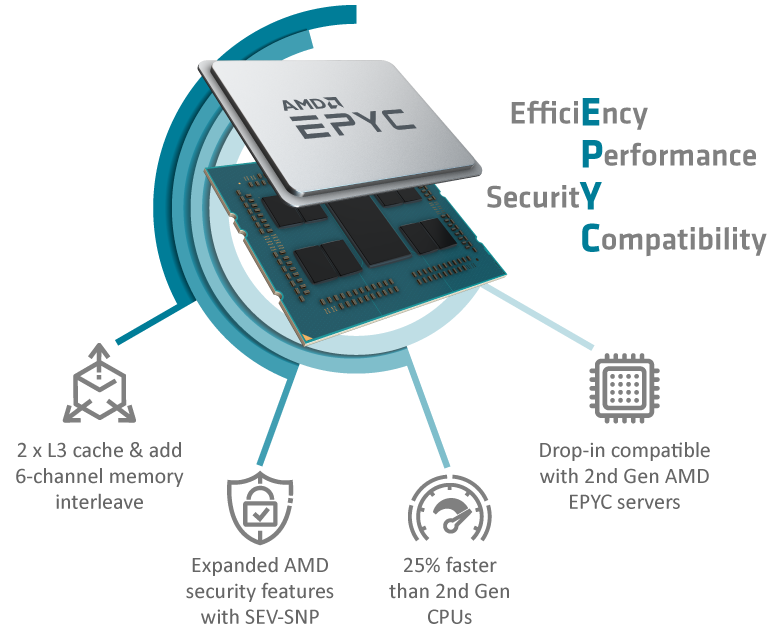
GIGABYTE servers and AMD EPYC 7003 Series Processors deliver the highest possible I/O throughput to pave the way for fast communication between CPU and accelerator in HPC and data analytics.
Up to 64 Cores
8 Channels of DDR4-3200
Up to 4TB Memory Capacity
128 lanes PCIe 4.0
2-way SMT & Turbo Boost
4,6,8-channel Memory Interleave
Synchronized Fabric and Memory Clock Speeds
Secure Memory Encryption
Secure Encrypted Virtualization
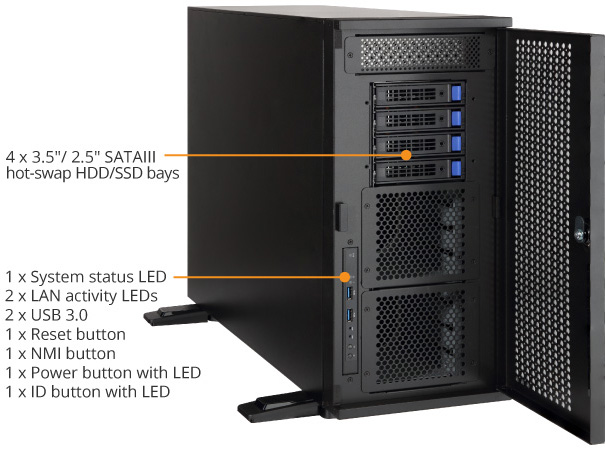
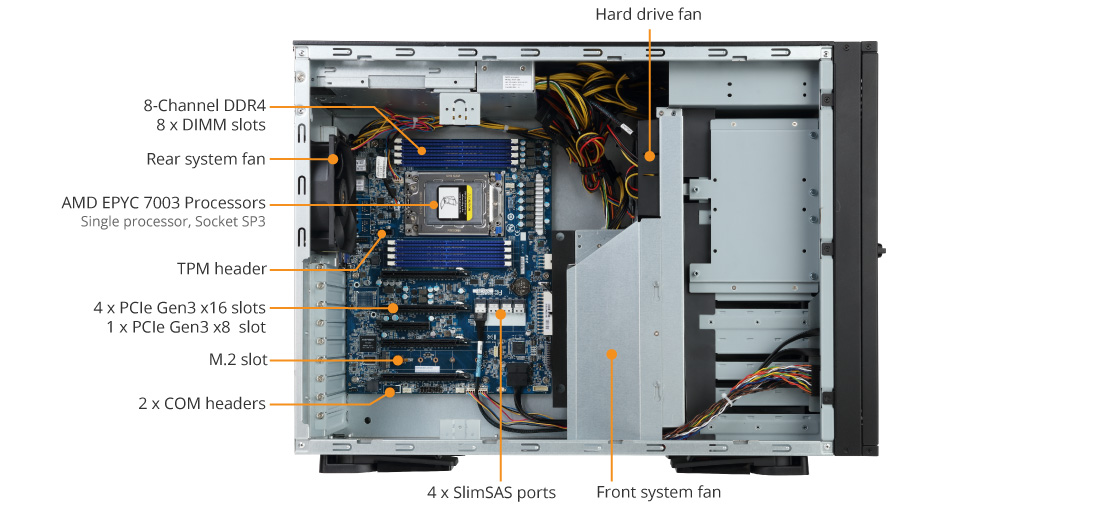
W291-Z00 Product Overview
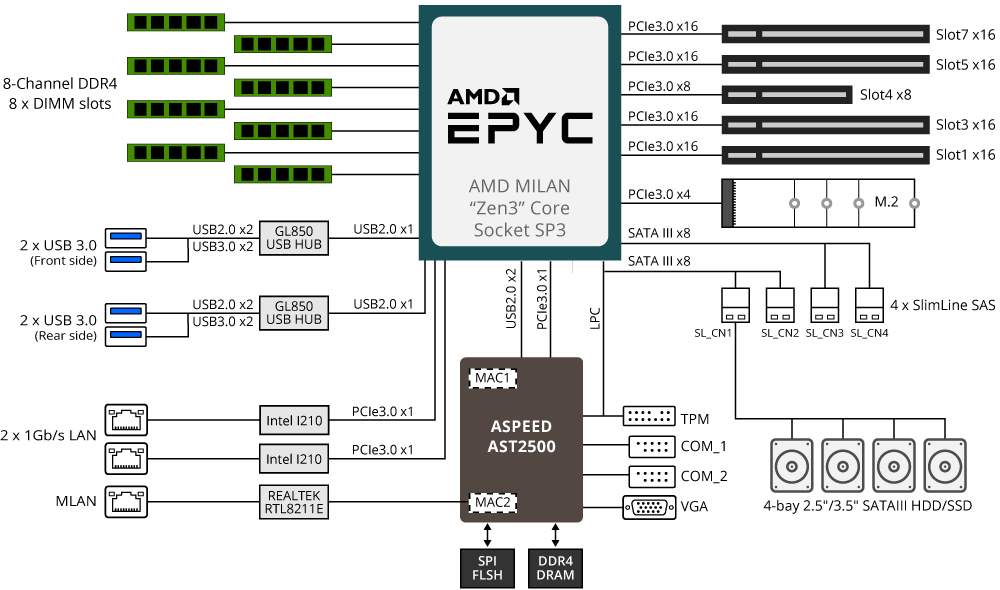
W291-Z00 Block Diagram
Hardware Security
Hardware-level Root of Trust *
Protection is built in the silicon to ensure systems will not be vulnerable to security attacks or cyber threats. This hardware-level root of trust (ROT) helps isolate the system as the boot process starts to make sure a verified code is used.
Provides:
Integrity of cryptographic keys and secure key generation
Boot process protected and verified
Secure application environment and protection at runtime
* Available on select models
Optional TPM 2.0 Module
For hardware-based authentication, the passwords, encryption keys, and digital certificates are stored in a TPM module to prevent unwanted users from gaining access to your data. GIGABYTE TPM modules come in either a Serial Peripheral Interface (SPI) or low pin count (LPC) interface.

High Availability
Smart Crises Management and Protection (SCMP)
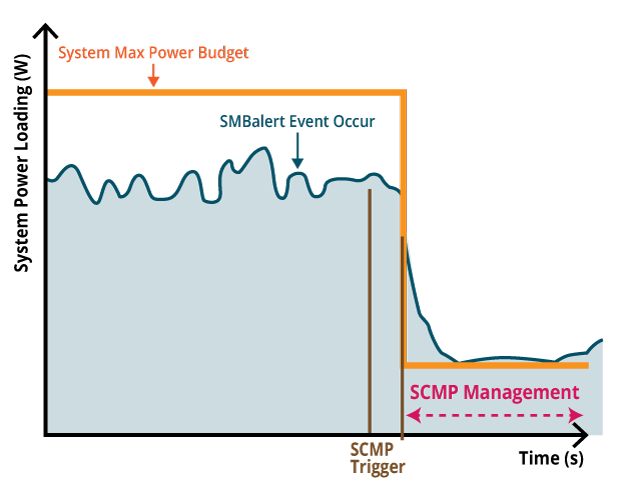
SCMP is a GIGABYTE patented feature which is deployed in servers with non-fully redundant PSU design. With SCMP, in the event of faulty PSU or overheated system, the system will force the CPU into an ultra-low power mode that reduces the power load, which prevents the system from unexpected shutdown and avoids component damage or data loss.
Dual ROM Architecture
If the ROM that stores the BMC and BIOS fails to boot, the system will reboot with the backup BMC and/or BIOS replacing the primary. Once the primary BMC is updated, the ROM of the backup BMC will automatically update the backup through synchronization. For the BIOS, it can be updated based on user's choice of firmware version.

Value-added Management
GIGABYTE offers free-of-charge management applications via a specialized small processor built on the server.
GIGABYTE Management Console
For management and maintenance of a server or a small cluster, users can use the GIGABYTE Management Console, which is pre-installed on each server. Once the servers are running, IT staff can perform real-time health monitoring and management on each server through the browser-based graphical user interface. In addition, the GIGABYTE Management Console also provides:
Support for standard IPMI specifications that allows users to integrate services into a single platform through an open interface
Automatic event recording, which can record system behavior 30 seconds before an event occurs, making it easier to determine subsequent actions
Integrate SAS/SATA/NVMe devices and RAID controller firmware into GIGABYTE Management Console to monitor and control Broadcom® MegaRAID adapters.
GIGABYTE Server Management (GSM)
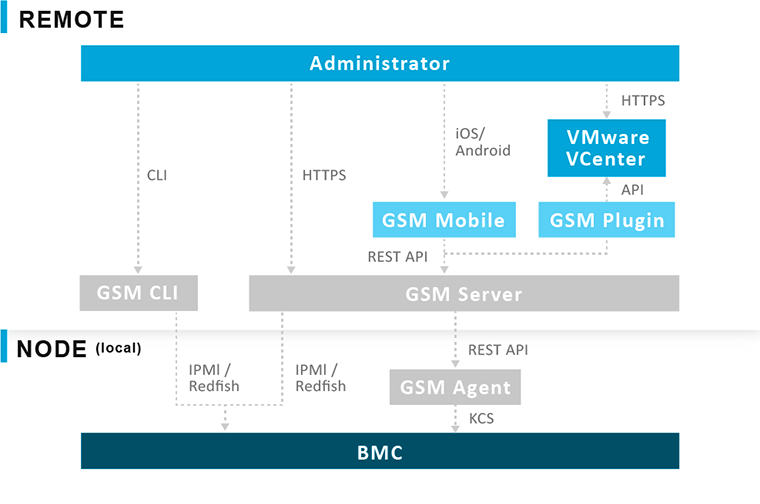
GSM is a software suite that can manage clusters of servers simultaneously over the internet. GSM can be run on all GIGABYTE servers and has support for Windows and Linux. GSM can be downloaded from GIGABYTE website and complies with IPMI and Redfish standards. GSM includes a complete range of system management functions that includes the following utilities:
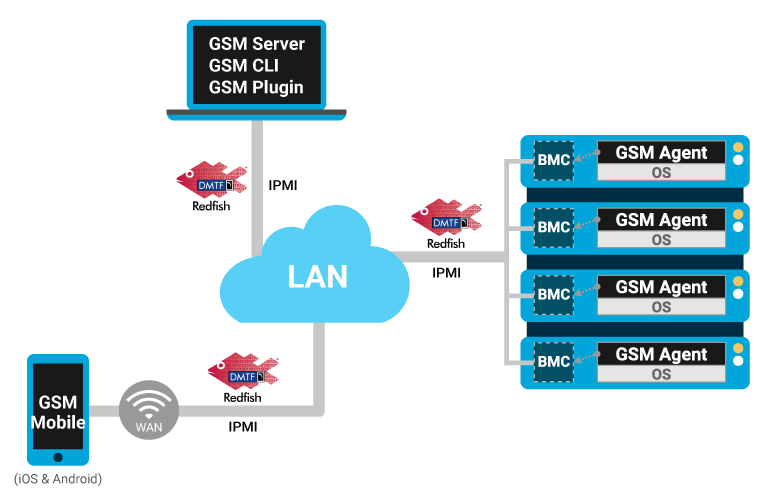
GSM Server: A software program that provides real-time, remote control using a graphical user interface through an administrator’s computer or through a server in the cluster. The software allows ease of maintenance for large clusters of servers.
GSM CLI: A command-line interface for monitoring and managing remotely.
GSM Agent: A software program installed on each GIGABYTE server node that retrieves information from each system and devices through the OS, and this software integrates with GSM Server or GSM CLI.
GSM Mobile: A mobile app for both Android and iOS that provides admins with real-time system information.
GSM Plugin: An application program interface that allows users to use VMware vCenter for real-time monitoring and management of server clusters.
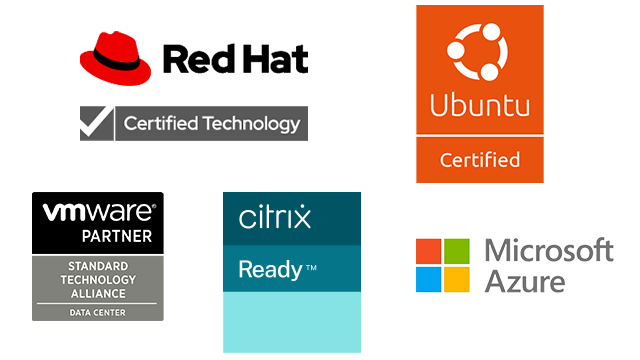
Certified Ready with Software Partners
Being a member of key software alliance partner programs enables GIGABYTE to together rapidly develop and validate joint solutions, enabling our customers to modernize their data centers and implement IT infrastructure and application services with speed, agility, and cost optimization. GIGABYTE servers have a compatibility across various ecosystems.
High Performance
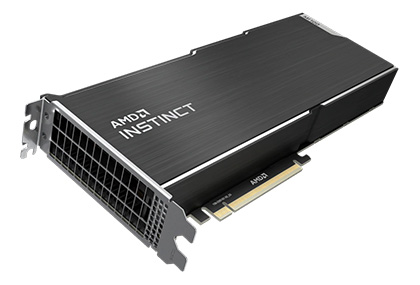
Support Various Computing Accelerators
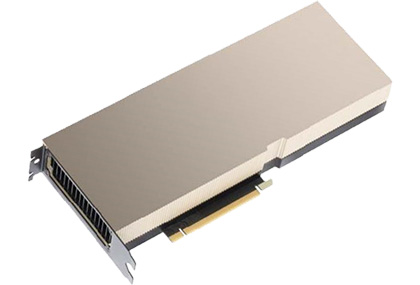
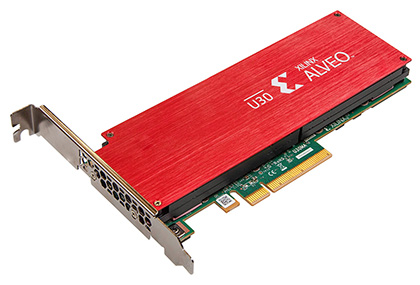
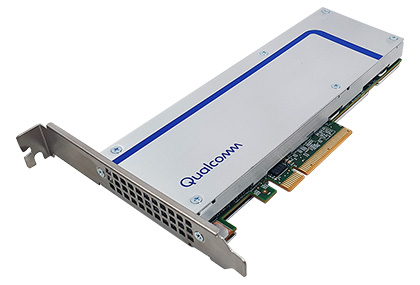
GIGABYTE servers have been tested and validated across a range of workloads with various computing accelerators designed to deliver high levels of performance for deep learning, high performance computing (HPC), enabling data scientists, researchers, and engineers to tackle challenges that were once impossible.
AMD
GPU Accelerator
NVIDIA
GPU Accelerator
XILINX
FPGA Accelerator
Qualcomm
ASIC Accelerator
Dimensions (WxHxD, mm)
Pedestal
200 x 450.2 x 642.2
Motherboard
MZ01-CE1 Rev. 3.0
CPU
AMD EPYC™ 7003 series processor family
Single processor, 7nm technology
Up to 64-core, 128 threads per processor
TDP up to 225W, cTDP up to 240W
Fully support 280W
Compatible with AMD EPYC™ 7002 series processor family
Socket
1 x LGA 4094
Socket SP3
Chipset
System on Chip
Memory
8 x DIMM slots
DDR4 memory supported only
8-Channel memory architecture
RDIMM modules up to 128GB supported
LRDIMM modules up to 128GB supported
3DS RDIMM/LRDIMM modules up to 256GB supported
Memory speed: Up to 3200/2933 MHz
LAN
2 x 1Gb/s LAN ports (Intel® I210-AT)
1 x 10/100/1000 management LAN
Video
Integrated in Aspeed® AST2500
2D Video Graphic Adapter with PCIe bus interface
1920x1200@60Hz 32bpp Audio
N/A
Storage
4 x 3.5"/2.5" SATAIII hot-swappable HDD/SSD bays
SAS card is required for SAS devices support
SAS
N/A
RAID
N/A
Peripheral Drives
1 x 5.25" space reserved for ODD device
Expansion Slots
Slot_7 (PCIe_7): 1 x PCIe x16 (Gen3 x16) slot
Slot_5 (PCIe_5): 1 x PCIe x16 (Gen3 x16) slot
Slot_4 (PCIe_4): 1 x PCIe x8 (Gen3 x8) slot
Slot_3 (PCIe_3): 1 x PCIe x16 (Gen3 x16) slot
Slot_1 (PCIe_1): 1 x PCIe x16 (Gen3 x16) slot
1 x 24-pin ATX main power connector
2 x 8-pin ATX 12V power connectors
4 x SlimSAS connectors
1 x M.2 slot
1 x CPU fan headers
6 x System fan headers
1 x USB 3.0 header
2 x COM headers
1 x TPM header
1 x Front panel header
1 x HDD backplane board header
1 x PMBus connector
1 x IPMB connector
1 x Clear CMOS jumper
1 x BIOS recovery jumper
Front I/O
2 x USB 3.0
1 x Power button with LED
1 x ID button with LED
1 x Reset button
1 x NMI button
1 x System status LED
2 x LAN activity LEDs
Hard drive cage:
1 x HDD power on LED
1 x HDD activity LED
1 x HDD key lock
Rear I/O
2 x USB 3.0
1 x VGA
2 x RJ45
1 x MLAN
1 x ID switch with LED
1 x Power switch with LED
Backplane I/O
4 x 3.5"/2.5" SATA/SAS ports
Bandwidth: SATAIII 6Gb/s or SAS 12Gb/s per port
SAS card is required for SAS devices support
TPM
1 x TPM header with LPC interface
Optional TPM2.0 kit: CTM000
Power Supply
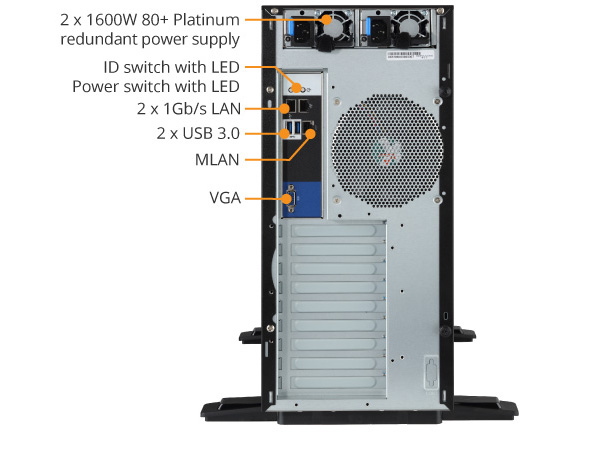
2 x 1600W 80 PLUS Platinum redundant PSUs
AC Input:
- 100-127V~/ 12A, 47-63Hz
- 200-240V~/ 9.48A, 47-63Hz
DC Output:
- Max 1000W/ 100-127V~
+ 12V/ 82A
+ 12Vsb/ 2.1A
- Max 1600W/ 200-240V~
+ 12V/ 132A
+ 12Vsb/ 2.1A
System Management
Aspeed® AST2500 management controller
GIGABYTE Management Console (AMI MegaRAC SP-X) web interface
Dashboard
JAVA Based Serial Over LAN
HTML5 KVM
Sensor Monitor (Voltage, RPM, Temperature, CPU Status …etc.)
Sensor Reading History Data
FRU Information
SEL Log in Linear Storage/Circular Storage Policy
Hardware Inventory
Fan Profile
System Firewall
Power Consumption
Power Control
LDAP / AD / RADIUS Support
Backup & Restore Configuration
Remote BIOS/BMC/CPLD Update
Event Log Filter
User Management
Media Redirection Settings
PAM Order Settings
SSL Settings
SMTP Settings
OS Compatibility
Windows Server 2016 (X2APIC/256T not supported)
Windows Server 2019
Windows Server 2022
Red Hat Enterprise Linux 8.3 (x64) or later
Red Hat Enterprise Linux 9.0 (x64) or later
SUSE Linux Enterprise Server 12 SP5 (x64) or later
SUSE Linux Enterprise Server 15 SP2 (x64) or later
Ubuntu 18.04.5 LTS (x64) or later
Ubuntu 20.04 LTS (x64) or later
Ubuntu 22.04 LTS (x64) or later
VMware ESXi 6.7 Update3 P03 or later
VMware ESXi 7.0 Update1 or later
VMware ESXi 8.0 or later
Citrix Hypervisor 8.2.0 or later
System Fans
3 x 120x120x38mm (8,500 rpm)
1 x 92x92x25mm (Attached in HDD cage)
Operating Properties
Operating temperature: 10°C to 35°C
Operating humidity: 8-80% (non-condensing)
Non-operating temperature: -40°C to 60°C
Non-operating humidity: 20%-95% (non-condensing)
Packaging Dimensions
348 x 691 x 791 mm
Packaging Content
1 x W291-Z00
1 x Heatsink
1 x Quick Installation guide
Part Numbers
- Barebone package: 6NW291Z00MR-00 Rev. C00
- Motherboard: 9MZ01CE1NR-00 Rev. 3.0
- I/O shield: 12AIO-MZ01C1-00R
- Power supply: 25EP0-216007-L0S
- CPU Fan-sink: 25ST1-243103-A0R
- Railkit for W291-Z00 (optional, (A)+(B)+(C))
(A) 25HB5-W29101-I0R (Ear left side), Q'ty: 1
(B) 25HB5-W29100-I0R (Ear right side), Q'ty: 1
(C) 25HB2-3A6104-I0R (Rail kit), Q'ty: 1
VDO Distributor - Nhà phân phối hạ tầng Công nghệ thông tin & Viễn thông uy tín Việt Nam
Website: vdo.com.vn
1900 0366
Liên hệ tổng đài hoặc số điện thoại chi nhánh theo khu vực để nhận được tư vấn: